 LeoLearn
Curious
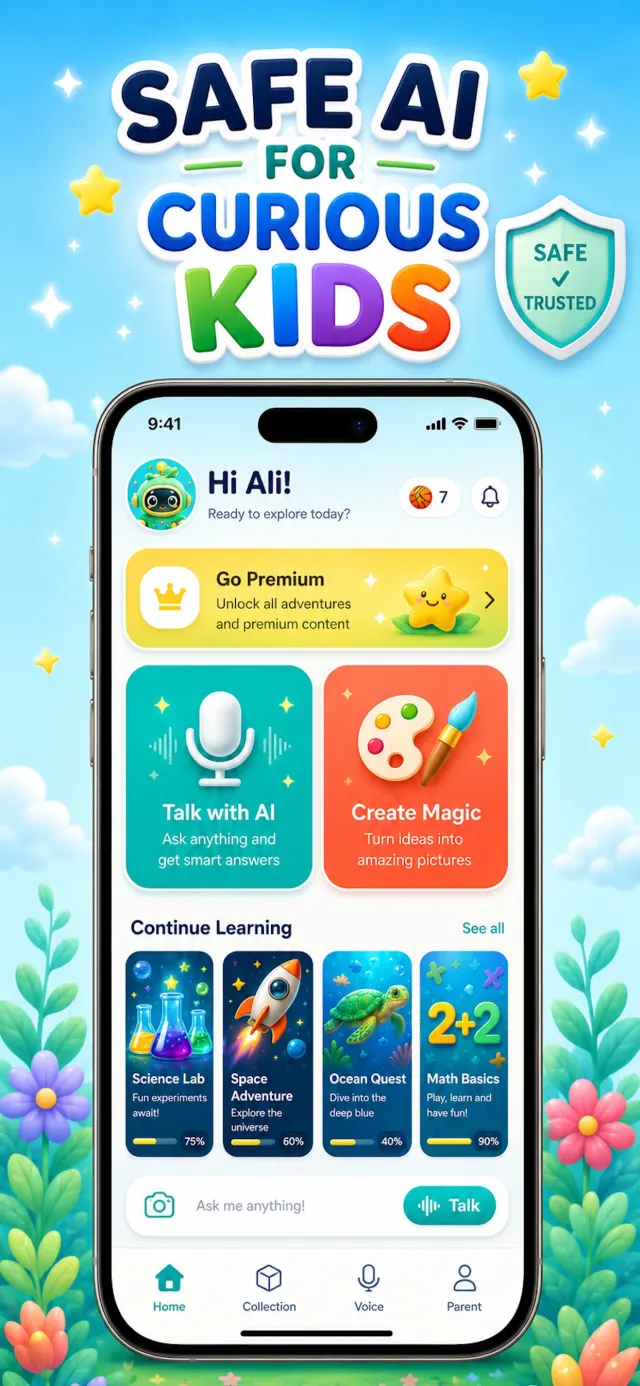
Kids ask big questions out loud and get smart, friendly answers from Leo — an AI chatbot made for kids, not adults.

LeoLearn is the safe AI app where kids aged 3–12 talk with Leo, create amazing art, and learn through play — while parents stay in full control.
 Go PremiumUnlock all adventures and premium content
 Talk with AIAsk anything and get smart answers
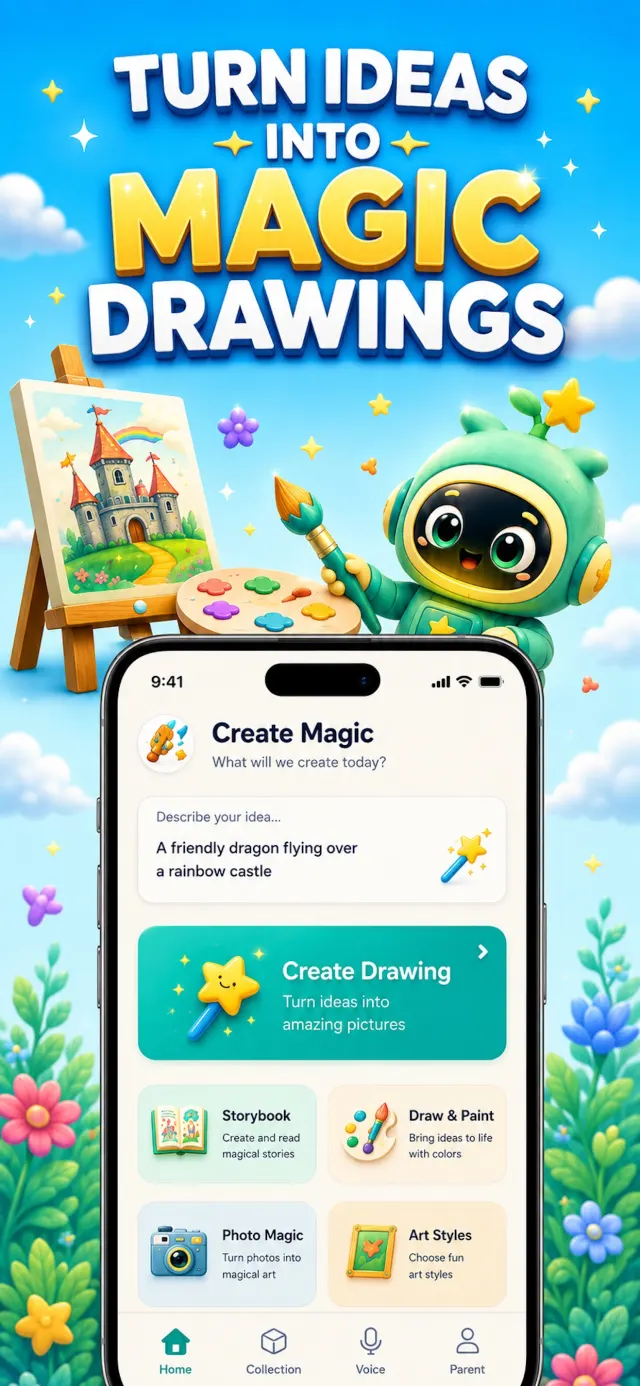
 Create MagicTurn ideas into amazing pictures



Everything a kids AI app should be — playful on the outside, protected on the inside.
Kids ask big questions out loud and get smart, friendly answers from Leo — an AI chatbot made for kids, not adults.
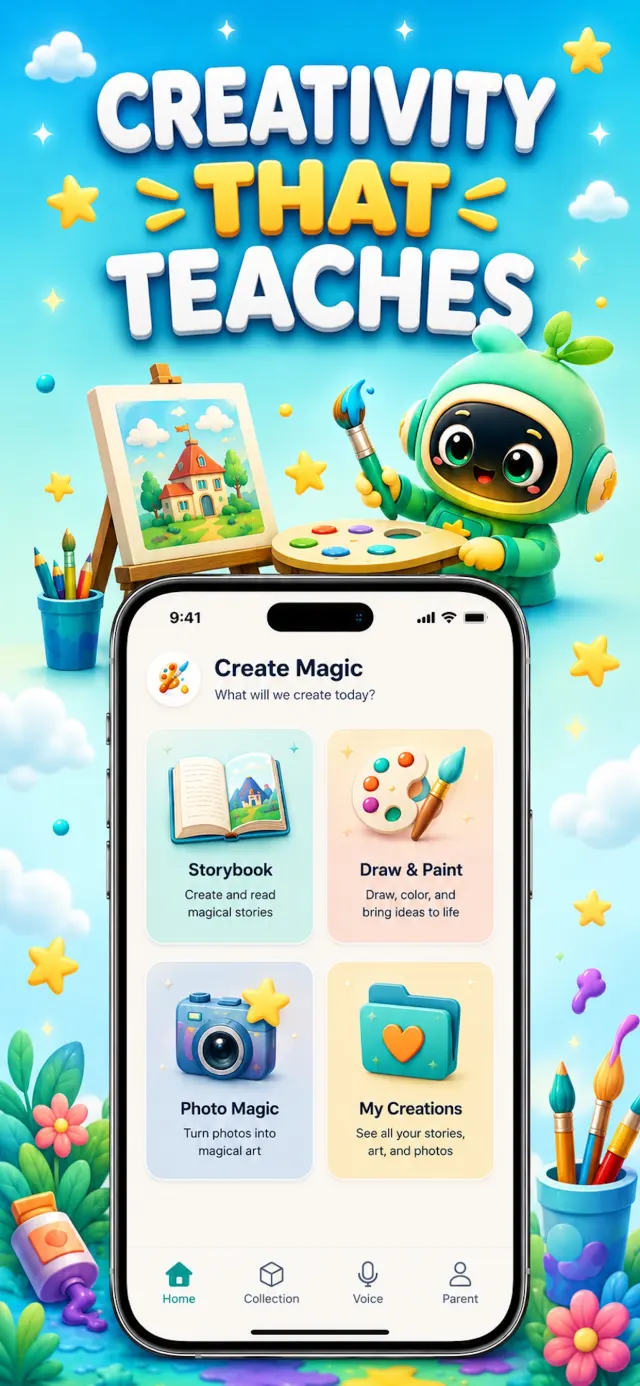
Turn imagination into art, stories and magical creations with a kid-safe AI art generator in six playful styles.
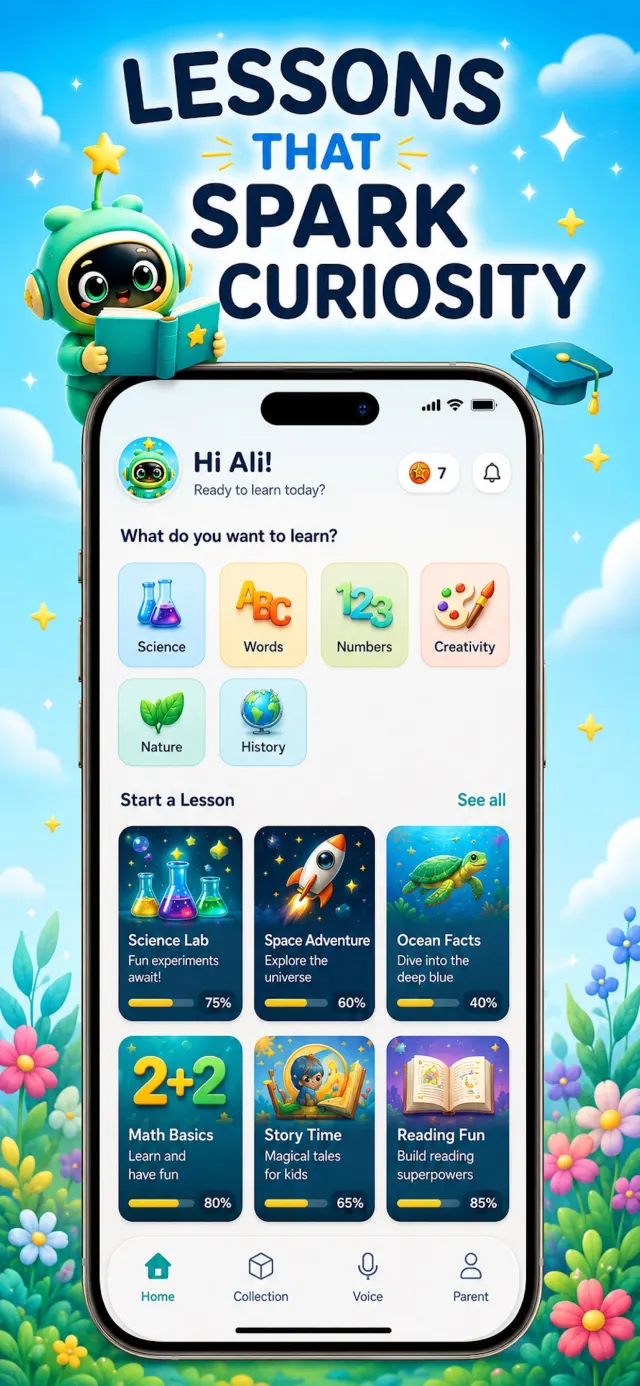
Interactive lessons for ages 3–12 let kids learn at their own pace — and Leo celebrates every little win with stars.
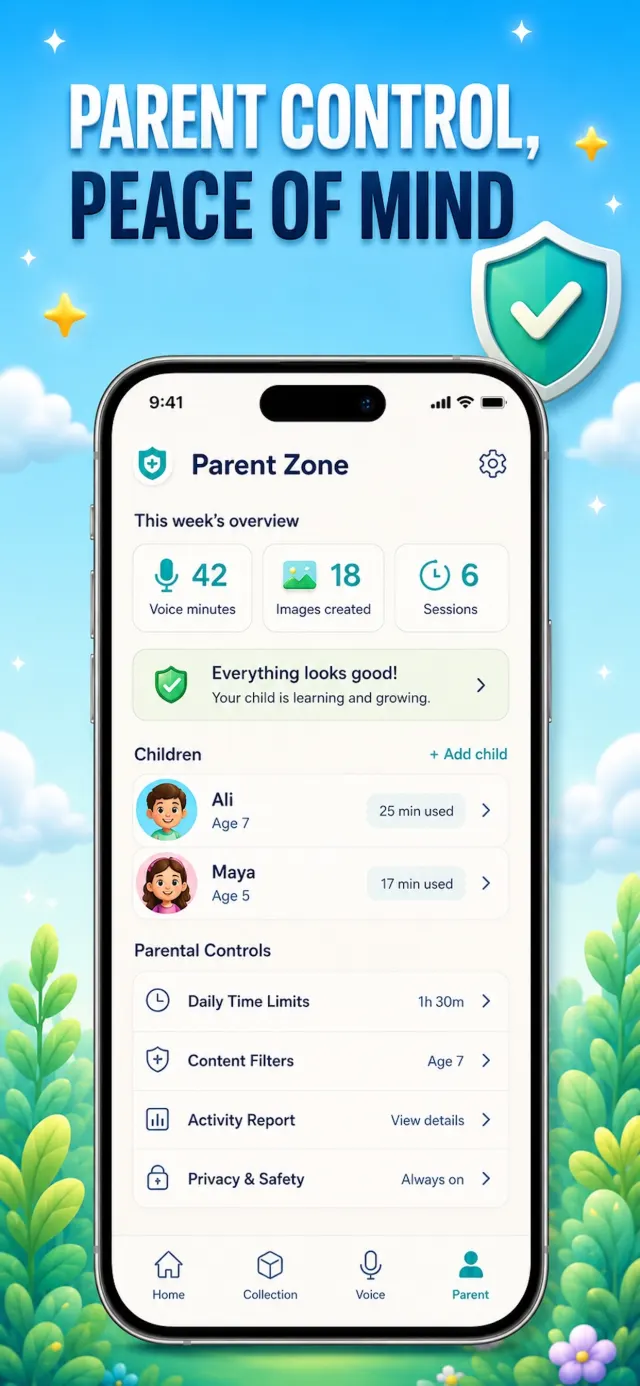
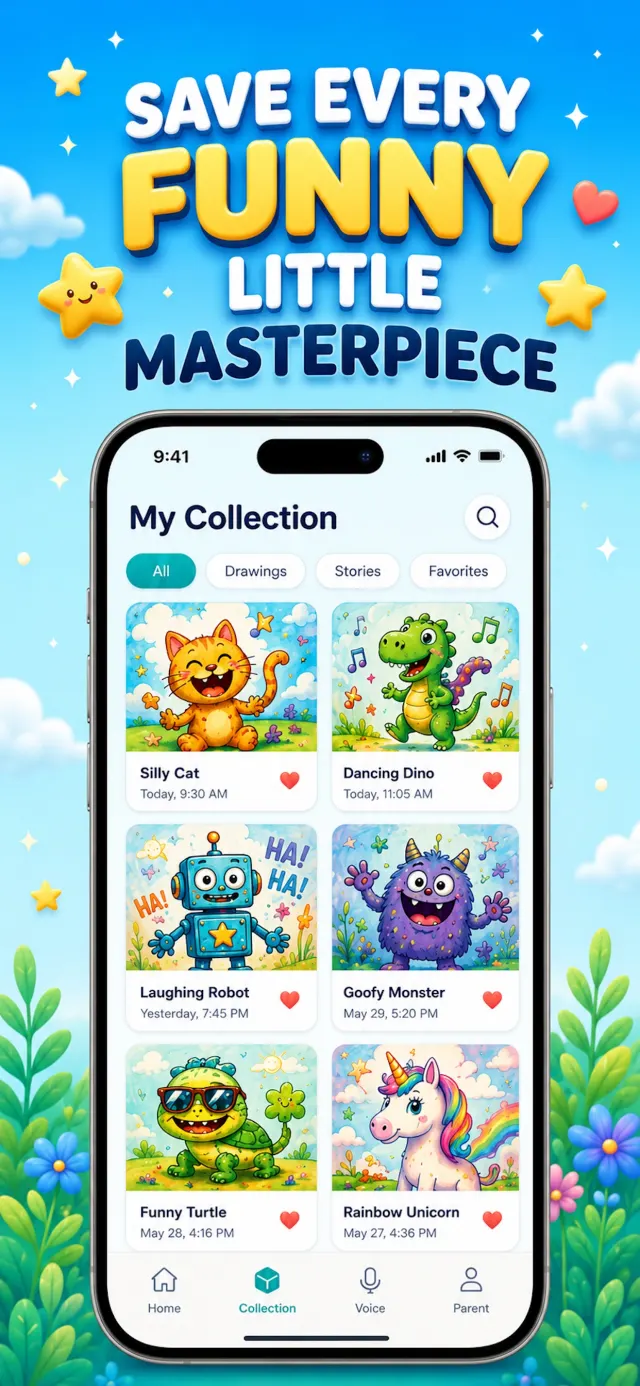
Explore the real App Store screens — from safe AI chat and creative tools to lessons and the Parent Zone.
Three simple steps from "why is the sky blue?" to real learning.
 1
1
Kids talk or type anything they're curious about. Leo answers by voice, at exactly their level.
 2
2
Leo turns ideas and drawings into art, stories and songs — every creation saved to their Collection.
 3
3
Bite-size lessons in math, science, space, oceans and reading make learning fun and rewarding.
LeoLearn is designed with safety, privacy and positivity at the core. Every message is filtered on-device and moderated in the cloud — and you can read every word.
Honest, practical answers to the questions parents ask — and how LeoLearn handles each one.
What AI for kids really means, what's safe at each age, and how to introduce it well.
Read guide → ⚠️An honest look at ChatGPT's age rules and risks — and what a kid-built alternative looks like.
Read guide → 💬What makes a chatbot kid-safe: filters, age-tuned answers and parent review.
Read guide → 📚How an AI tutor builds understanding instead of just handing over answers.
Read guide → 🎨Kid-safe AI art: how filtering works and how kids turn ideas into masterpieces.
Read guide → 🎙️Why voice beats typing for young learners — and how safe voice AI works.
Read guide → 🧩Age-by-age lessons and games that turn screen time into learning time.
Read guide → 🛡️The controls that actually matter: limits, chat review, filters and privacy.
Read guide →Everything parents ask before downloading an AI app for their kids.
Download LeoLearn and make screen time magical — free trial, cancel anytime.